Paid
Ready-made loop packs
Sets of seamless loops you can use today, with no commission needed. Each pack comes for projectors and screens, for LED panels, and vertical for TikTok and Reels.
Coming soonTell me when it is out

Ready-to-run immersive games, ready-made loop packs, complete MadMapper projects, MadMapper materials and MadMapper FX, made by Virtual Void. The big ones are paid. The free ones are our way of saying hi.
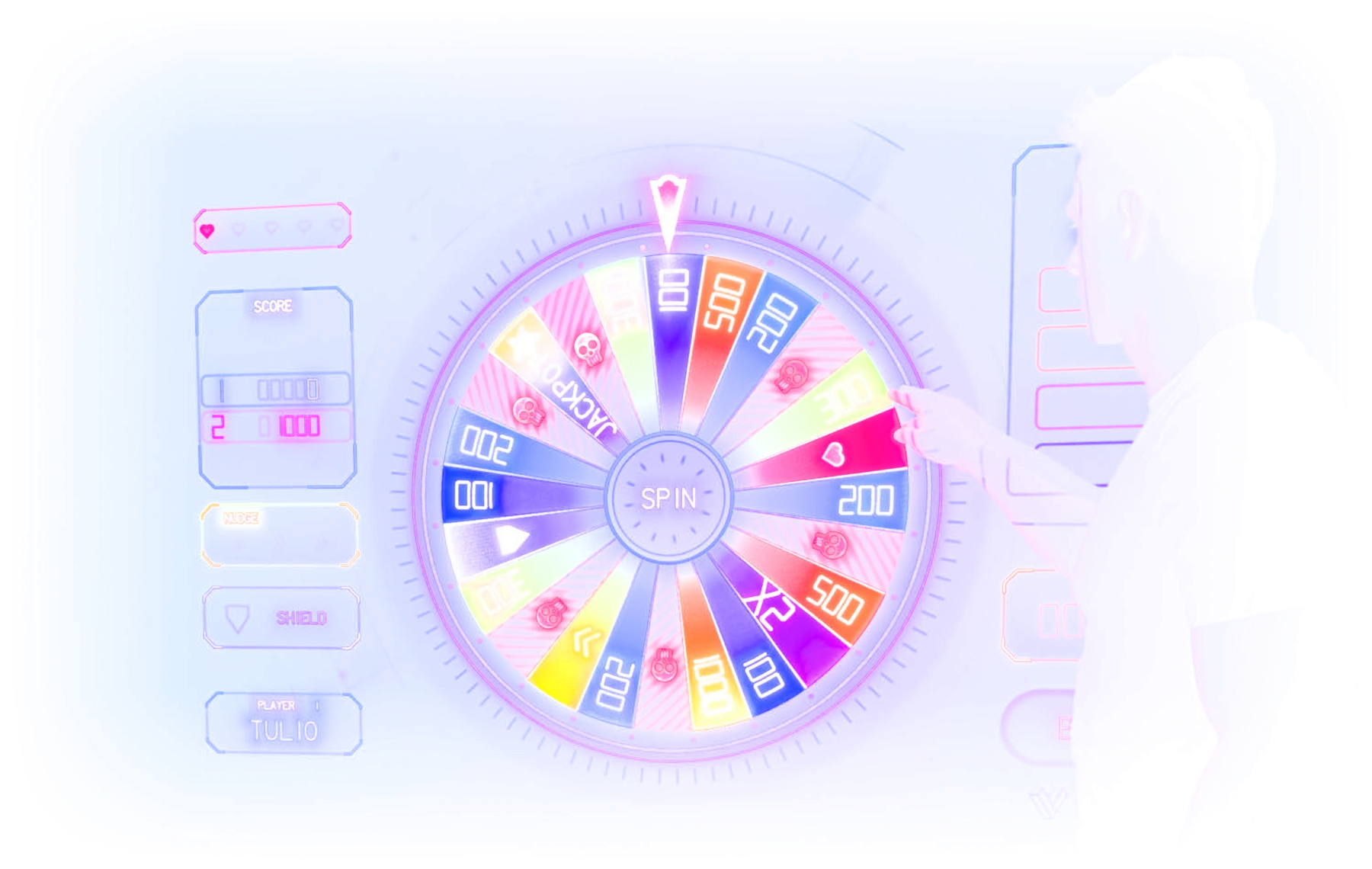
Our main thing. Made to be projected, played and shown off.
Sets of seamless loops you can use today, with no commission needed. Each pack comes for projectors and screens, for LED panels, and vertical for TikTok and Reels.
Playable light. Games you project onto a wall, a floor or a table and play with your hands, feet or a phone. Built for parties, venues and events, and ready to run.
Entire MadMapper projects, not just a loop. Surfaces, materials and mapping already set up: open it, adjust it to your room and play.
Want a game at your event instead of owning one? Rent a game night. Need something made just for you? See the Artist Visual Pack.
Take them and make something strange. Credit Virtual Void (www.virtualvoid.ca) if you share your work.
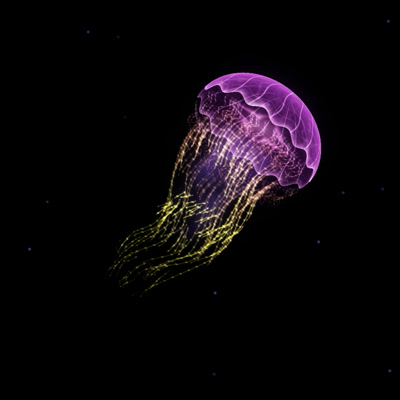
A glowing neon jellyfish for MadMapper, with a transparent background and a 20 second seamless loop. It has 94 adjustable parameters, so you can bend the colour, speed and shape to your show.
Download freeLike the free ones? The immersive games and full MadMapper projects above go much further.
FX do not make a picture, they change one. Put one on a surface and it reshapes whatever is playing there.
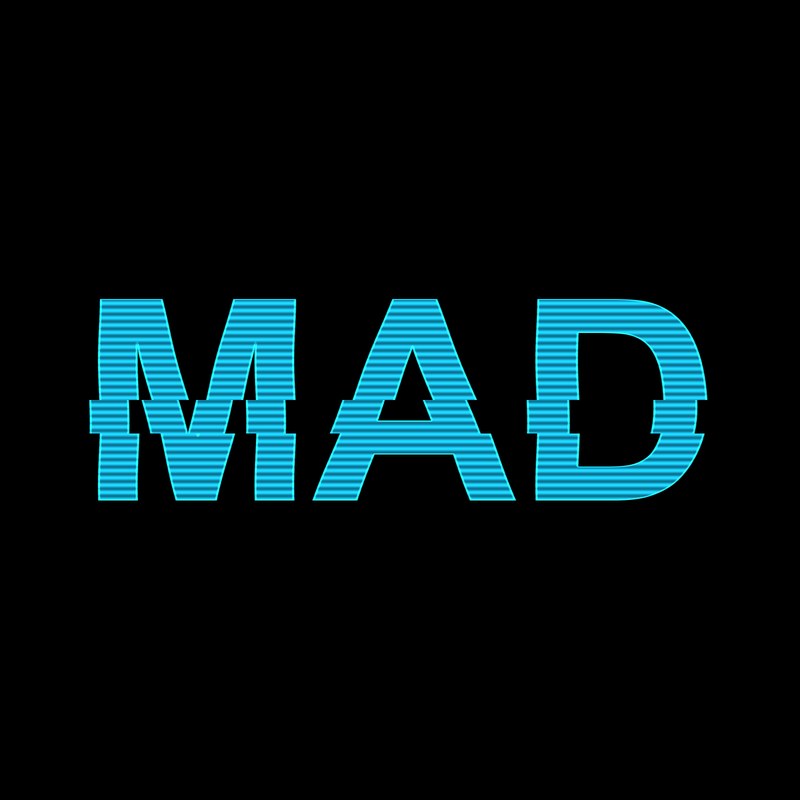
A MadMapper surface FX that turns whatever is on a surface into a hologram: cyan tint, scanlines, a sweeping bar, RGB split, flicker, glitch bands and an edge glow. It has 16 adjustable parameters. We like it with the surface blend mode set to Add.
Download freeFour steps from download to projection.
Grab a download from this page and unzip it. A material has one file, the .fs. An FX has two, a .fs and a .vs. MadMapper does not open them by double-clicking, so we copy the code instead.
Open the .fs file in any text editor, such as TextEdit set to plain text. Select all and copy. For an FX, you will do the same with the .vs file.
In MadMapper open the Library and select the Materials tab, or the 2D FX tab for an FX. Press the plus button, choose From Empty Template, and paste the .fs code over the template. For an FX, paste the .vs code into its vertex shader too.
It now lives under Library, Project, Custom. Put it on a surface, then bend colour, speed and shape until it fits your show.
MadMapper materials, immersive games and projects.
A MadMapper material is a generative visual you apply to a surface inside MadMapper. It reacts to adjustable parameters like colour, speed and shape, so one material can look like many different things. Our materials come with a lot of parameters on purpose, so you can shape them to your show.
The materials and FX in the free sections are free to use. The immersive games and complete MadMapper projects are mostly paid. Every item is labelled Free or Paid, and the paid ones help us keep making the free ones.
A set of seamless, ready-made visual loops you can use right away, without commissioning anything. Each pack is made to play on a projector or screen, on an LED panel, or vertically for TikTok and Reels. If you want something made just for you and your name, see the Artist Visual Pack.
A game made to be projected and played in a space instead of on a screen. You project it onto a wall, floor or table, and people play it with movement or touch. It suits parties, venues, events and installations.
A complete MadMapper project file with the surfaces, materials and mapping already set up. You open it, fit it to your own room or object, and play it, instead of building everything from nothing.
Unzip the download and open the .fs file in a text editor. Copy all the code. In MadMapper open the Library, select the Materials tab, press the plus button and choose From Empty Template. Paste the code over the template and it compiles. Your material then shows under Library, Project, Custom, ready to put on a surface. For an FX, select the 2D FX tab instead and paste both files, the .fs and the .vs. Double-clicking the .fs file does not open it in MadMapper.
A MadMapper FX is an effect you put on a surface instead of a picture. It takes whatever is playing there and changes it, for example turning it into a hologram, adding glitches or tinting it. Our free Hologram FX has 16 adjustable parameters. Each listing on this page says whether it is a material, an FX or a project.
MadMapper for the materials and projects. Each listing says exactly what it needs, so you know before you buy or download.
Yes. If you share or post your work, please credit it to Virtual Void (www.virtualvoid.ca). Details for each item are on its listing.
Send us a message and we will let you know, or follow @virtualvoidto on TikTok.
We also build custom immersive games and visuals for artists, venues and events.